Best Cookie Editor Extensions for Developers
Cookie editor extensions save developers and QA testers hours each week by eliminating tedious manual cookie management through browser DevTools. This guide reviews the best options and shows you exactly which extension fits your workflow.
Why Developers Need Cookie Editors
Managing cookies through browser DevTools is tedious and error-prone, especially when testing authentication flows or replicating user sessions across browsers. A cookie editor extension cuts out the middle step—you can view, create, modify, and delete cookies directly without navigating nested developer panels.
For QA testers, developers, and privacy-conscious users, a good cookie editor becomes indispensable. Here's what you gain:
- Test login sessions and authentication state changes without re-logging in each time—critical when you need to verify behavior across different user roles or permission levels.
- Replicate user sessions across browsers or devices by exporting and importing cookies, letting you debug issues that only appear in specific environments.
- Debug session-based issues quickly without DevTools complexity—spot invalid tokens, expired dates, or malformed values in seconds.
- Manage privacy by seeing which cookies track your behavior and removing them selectively.
Top Cookie Editor Extensions Compared
Cookie-Editor dominates the market for good reason. It offers a clean interface to create, edit, and delete cookies in three clicks, works across Chrome, Firefox, Safari, Edge, and Opera, and handles both regular and secure cookies without friction. The open-source codebase on GitHub means you can audit it and contribute features yourself—a major trust signal for developers handling sensitive session data.
EditThisCookie remains a solid alternative with over 400,000 users and a slightly older but stable feature set. It excels at quick edits but lacks some of the import/export flexibility that Cookie-Editor provides. If you're already using it and happy, no urgent need to switch—but Cookie-Editor edges ahead for new projects.
Easy Cookie Editor and CookieManager fill niches for users who prefer minimalist interfaces, but they lag behind in multi-browser support and advanced features like batch operations and import/export formats.
How to Install (All Browsers)
Chrome: Head to the Chrome Web Store, search "Cookie-Editor," and click Add to Chrome. The extension icon appears in your toolbar immediately—no restart needed.
Firefox: Visit the Firefox Add-ons page for Cookie-Editor and click Add to Firefox. Grant permissions when prompted, and you're done.
Safari and Edge: Cookie-Editor works on both (available through their respective app stores), though Chrome and Firefox see the most active development. Installation follows the same one-click flow.
Essential Workflows for Developers
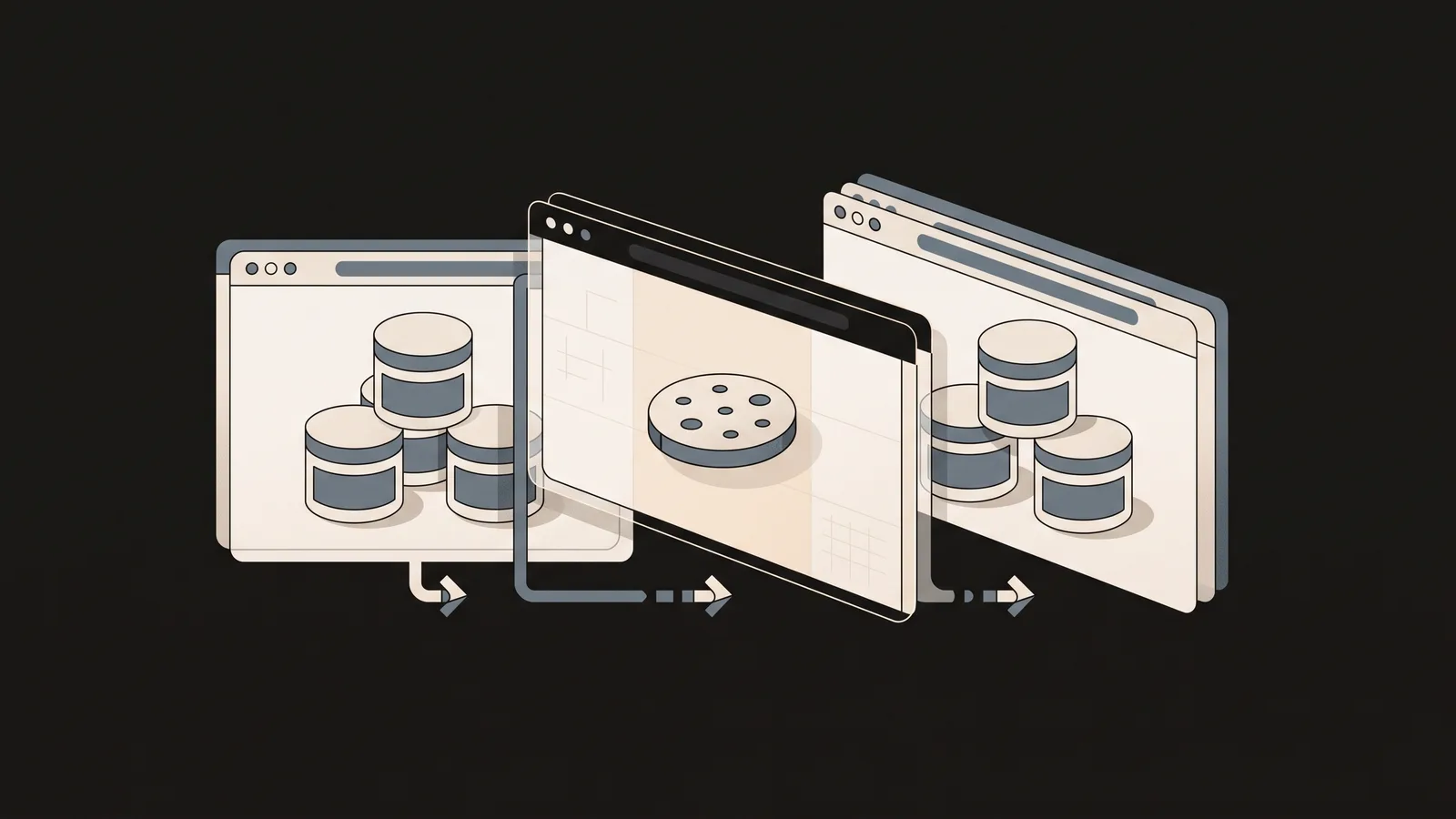
Testing authentication flows: Open the extension after logging in, export your session cookie (usually `sessionid` or `auth_token`), then clear all cookies and import it back. This verifies your session handling doesn't break on replay and saves you from logging in repeatedly during QA cycles.
Replicating bugs across browsers: Encounter a bug in Firefox that doesn't happen in Chrome? Export cookies from Firefox, switch to Chrome, clear cookies, import the file—now you have an identical session state in both browsers. This isolates whether the issue is browser-specific or cookie-dependent.
Testing expiration and security flags: Create a test cookie, manually set its expiration to 5 seconds in the past, and watch your app's logout behavior. Toggle the Secure and HttpOnly flags to verify your auth system respects them. These edge cases often hide bugs.
Debugging third-party tracking: Use the extension to see all cookies a page sets, filter by domain, and identify which ones are tracking pixels or analytics. Delete suspicious ones to test site functionality without trackers.
Import/Export Formats Explained
Cookie-Editor supports multiple export formats depending on your use case. JSON is the most portable—it preserves all cookie metadata (domain, path, expiration, secure flag) and works across tools. Netscape format is older but still widely supported by curl and wget if you need to test APIs. Header string format is useful when you need to paste a cookie directly into an HTTP request header for API testing.
When importing, always verify the domain matches your target site—importing cookies from one domain to another usually fails silently as a security feature.
Common Troubleshooting
Import fails silently: Check that the cookie's domain matches the page you're viewing. Most browsers block cross-domain cookie injection for security. Also verify the file isn't corrupted—re-export from the original browser and try again.
Changes don't take effect: Hard-refresh the page (Ctrl+Shift+R or Cmd+Shift+R) to force the browser to read the updated cookies. Regular refresh sometimes uses cache.
Extension not showing cookies: Make sure you've granted it permission for the domain. Visit the extension's permissions settings and add any sites where you need to edit cookies.
Cookies disappear after closing the browser: Check if the cookie has a short expiration date or if your browser is set to clear cookies on exit. Cookie editors can't override browser-level privacy settings.
Privacy Considerations
A cookie editor is a powerful tool—it reveals every tracker and identifier websites store about you. Use it to audit third-party cookies and delete ones from advertisers or analytics firms you don't trust. That said, deleting cookies will log you out of services and reset personalization, so be selective unless you're in a private browsing session.
Choose an open-source extension like Cookie-Editor if privacy is a concern. Closed-source tools could theoretically log your actions, while open-source code is auditable by the community.
Next Steps
Install Cookie-Editor on your primary browser today—it takes 30 seconds. Spend 10 minutes exploring your favorite site's cookies to see what data is actually being stored. Then use it in your next auth testing session and notice how much faster you work. For teams, document your export format and file structure so QA testers can share session states without guessing how to set them up manually.