Page Ruler Extension: Complete Developer Guide
Learn how to install and master Page Ruler, the essential browser extension for pixel-perfect web design measurements and responsive testing.
Page Ruler is the go-to browser extension for web developers and designers who need precise pixel measurements without diving into DevTools. This guide walks you through installation, every core feature, and the advanced workflows that make Page Ruler indispensable for design QA, responsive testing, and pixel-perfect handoffs.
What Is Page Ruler?
Page Ruler is a lightweight browser extension that turns your browser into a measurement tool for web design and development. Instead of switching to DevTools or using complicated screenshot markup tools, you draw rulers directly on any webpage to check element alignment, spacing, and dimensions with pixel-perfect accuracy.
It's a free, open-source extension available for Chrome, Firefox, and Edge. You can measure distances and element positions on live websites without requiring developer mode or special permissions. Whether you're doing QA testing, responsive design verification, or design-to-development handoff, Page Ruler eliminates the friction of switching between tools.
Installation & Setup
Getting Page Ruler running takes less than two minutes regardless of your browser. Here's how to install on each platform:
- Chrome: Search 'Page Ruler' in the Chrome Web Store, click Add to Chrome, and confirm permissions.
- Firefox: Go to Mozilla Add-ons, find Page Ruler, click Add to Firefox, and enable it in your extensions menu.
- Edge: Install from Microsoft Edge Add-ons store. Since Edge uses the Chromium engine, setup mirrors Chrome exactly.
After installation, right-click the extension icon and pin it to your toolbar for quick access during your workflow. You'll toggle it constantly, so toolbar placement saves seconds on every measurement.
Core Features Explained
Page Ruler packs more functionality than most developers realize. Once installed, knowing which features to use and when will speed up your design review process significantly.
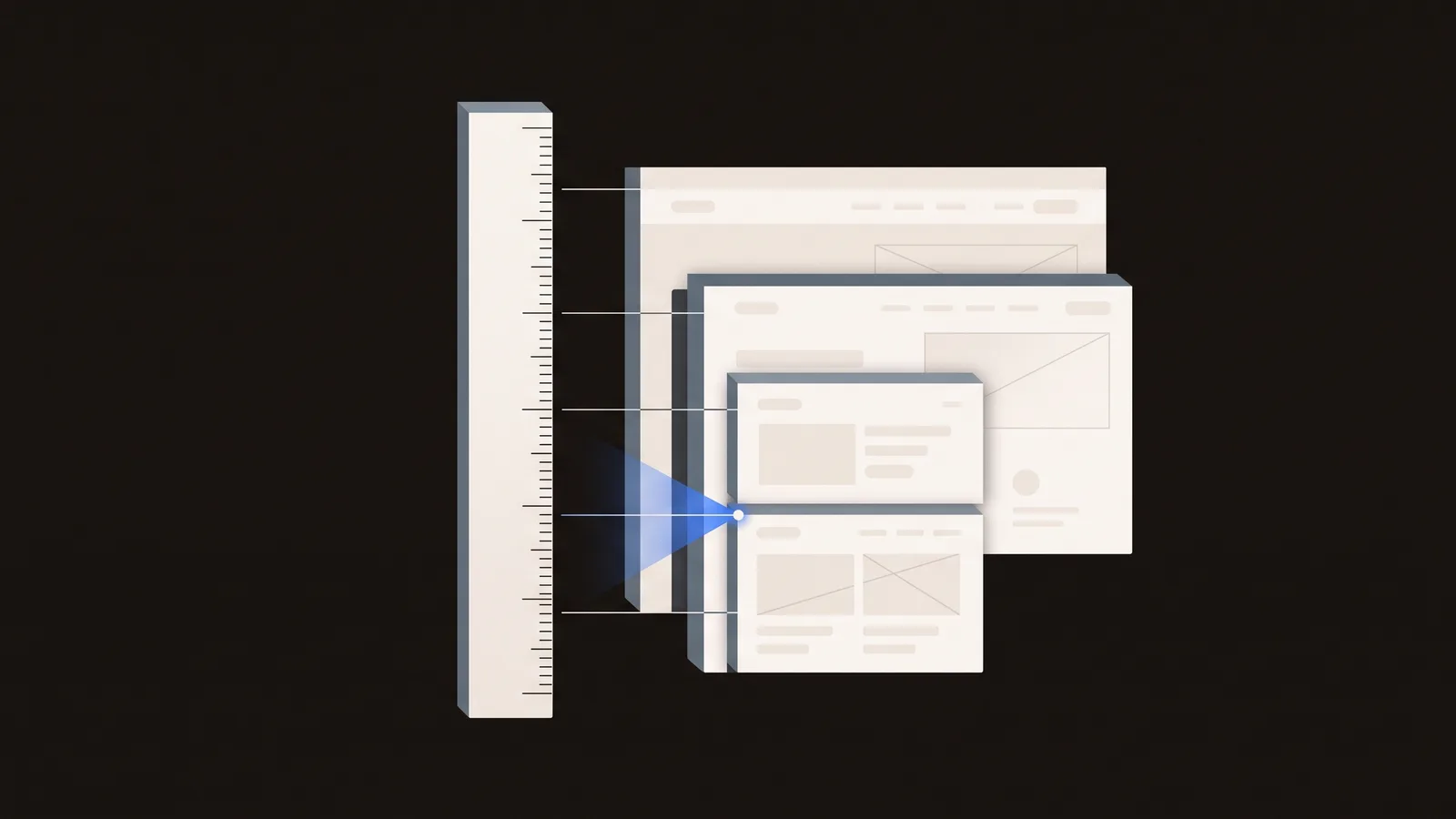
Draw rulers: Click the extension icon, then click and drag on the page to create measurement lines with real-time pixel readouts. Horizontal and vertical rulers snap to common alignments, making it fast to spot layout inconsistencies.
Grid overlay: Toggle a pixel grid across the entire page to visualize spacing and alignment at a glance. This is invaluable for checking if padding and margins match your design specs.
Color picking: Sample colors directly from page elements—useful for QA and design matching when you need to verify that the developer's color choices align with the design file.
Element highlight: Hover over elements to see their exact dimensions and position in the DOM. This bridges the gap between visual inspection and understanding the page structure.
Customization: Adjust ruler color, grid density, and keyboard shortcuts to match your workflow. Most teams keep these at defaults, but power users often tweak colors to reduce eye strain.
Advanced Workflows
Beyond basic measurement, Page Ruler shines when integrated into your design-to-development process. Professional teams use it for responsive design testing, accessibility audits, and ensuring pixel-perfect handoff. Here's where the extension delivers real value:
Responsive design testing: Use Page Ruler on mobile viewports to verify spacing holds across breakpoints. Load your site in Chrome DevTools' device emulation, then measure to confirm your CSS media queries actually work as intended.
Design handoff QA: Compare Figma or Adobe XD measurements against live code during development reviews. Instead of hunting through DevTools, pull up the extension and spot check spacing, font sizes, and alignment in seconds.
Accessibility audits: Measure touch target sizes (minimum 44×44 pixels), line height ratios, and spacing compliance. Page Ruler gives you hard numbers to verify that your interactive elements meet WCAG guidelines without needing specialized testing tools.
Competitor analysis: Measure how other sites structure their layouts for design inspiration and benchmarking. Before redesigning, analyze how your competitors handle grid systems, padding, and breakpoints.
Keyboard Shortcuts & Pro Tips
Power users know that keyboard shortcuts separate speed demons from click-and-wait developers. Mastering these shortcuts will cut your measurement time in half.
- Press R to instantly activate the ruler tool (when the extension is active on a page).
- Use G to toggle grid overlay on and off without opening menus.
- Hit Esc to deselect rulers and reset the view between measurements.
- Hold Shift while dragging to lock ruler angles; drag left-to-right for horizontal, top-to-bottom for vertical measurements.
Pro tip: Create a bookmark folder with frequently-measured pages for faster QA cycles. When you know you'll audit the same pages every sprint, bookmarking them cuts navigation overhead.
Troubleshooting Common Issues
Like any browser extension, Page Ruler occasionally hits snags—usually related to permissions, conflicting extensions, or browser updates. Most issues resolve in seconds with the right knowledge.
Extension not appearing in toolbar: Reinstall from the Chrome or Firefox store and check that permissions include your current domain. Sometimes a browser update will disable extensions; reinstalling fixes it.
Ruler measurements seem off: Verify page zoom is set to 100%. Zoom changes throw off pixel counts entirely. Also check for browser scaling in your display settings—high-DPI displays can confuse measurements.
Grid or overlay not showing: Disable other inspector extensions (Inspect Element tools often conflict). Refresh the page and try again. If the conflict persists, uninstall the other tool.
Page Ruler crashes or freezes: Clear your browser cache, update to the latest extension version, or disable other memory-heavy extensions. Complex SPAs sometimes choke the browser; restart helps.
Why Page Ruler Wins
When you're evaluating Page Ruler against alternatives like Screen Ruler, Measure-it, or Dimensions, it comes down to reliability, speed, and community support. Page Ruler has been battle-tested by hundreds of thousands of developers and remains the most popular ruler extension for good reason.
300,000+ active users across all browsers means regular updates, bug fixes, and a mature codebase. The extension is open-source on GitHub, which allows transparency and community contributions—critical for security-conscious developers who want to audit what a tool does.
Page Ruler works on complex single-page applications and dynamically-loaded content, unlike some competitors that struggle with modern frameworks. Its lightweight footprint (under 1MB) won't slow down your browser or tank your development workflow.
Next Steps
Install Page Ruler today and pin it to your toolbar. Spend 15 minutes learning the keyboard shortcuts—R for ruler, G for grid, Esc to reset. Then use it on your next design review to spot spacing inconsistencies that would take DevTools twice as long to catch. Once you've used it in a real workflow, you'll understand why it's the default tool for designers and developers worldwide.